Artificial intelligence has quietly become one of the most powerful allies a student can have. From writing essays to organizing notes, solving complex math problems, and even preparing for exams, AI tools are reshaping how students learn, research, and manage their academic workload. If you’re a high schooler, college student, or lifelong learner looking to boost productivity without burning out, this guide walks you through the best AI tools for students, along with their key features and the real benefits they bring to your study routine.
Why Students Are Turning to AI Tools
Traditional studying methods often eat up hours that could be spent understanding concepts more deeply. AI tools help by automating repetitive tasks, offering instant feedback, and personalizing the learning experience. Whether it’s summarizing a 40-page research paper in seconds or generating practice quizzes tailored to your weak spots, these tools free up time and mental energy for what actually matters: learning.
Below is a curated list of the best AI tools every student should consider adding to their toolkit.
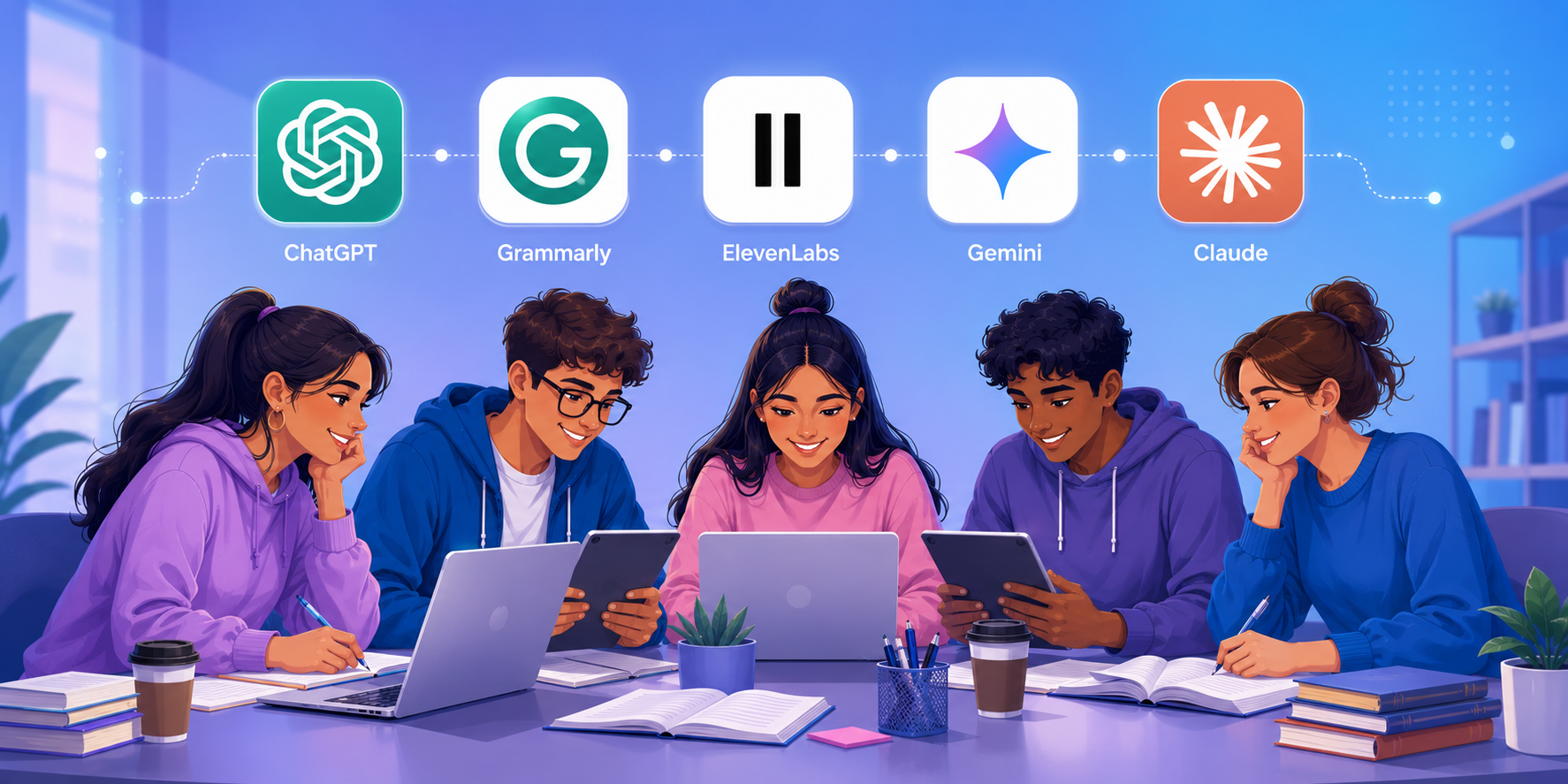
1. ChatGPT (and Claude): All-Purpose Study Assistant
A conversational AI assistant that can answer questions, explain concepts, and help with writing across virtually any subject.
Features:
- Answers questions across virtually any subject, from calculus to literature analysis
- Helps brainstorm essay topics, outline research papers, and explain difficult concepts in simple terms
- Can simulate practice interviews, debate prep, or Socratic-style tutoring
- Supports code writing and debugging for computer science students
Benefits: These conversational AI assistants act like a 24/7 tutor. Instead of getting stuck on a confusing textbook paragraph, students can ask for a plain-language explanation instantly. They’re especially useful for breaking down complex topics into digestible steps, which builds genuine understanding rather than rote memorization. Many students also use them to check their own reasoning on problem sets before submitting work.
2. Grammarly: Writing and Grammar Assistant
A writing assistant that checks grammar, tone, and clarity in real time across docs, email, and browsers.
Features:
- Real-time grammar, spelling, and punctuation corrections
- Tone detection and clarity suggestions
- Plagiarism checker (available on premium plans)
- Browser extension that works across Google Docs, email, and most web platforms
Benefits: Strong writing is essential for essays, reports, and applications, but not every student has time for multiple rounds of editing. Grammarly catches errors instantly and explains why a sentence needs fixing, which slowly improves a student’s own writing skills over time. The tone detector is particularly useful for emails to professors, ensuring messages come across as professional and polite.
3. Notion AI: Smart Note-Taking and Organization
An AI-enhanced workspace that organizes notes, schedules, and projects in one place.
Features:
- AI-powered summarization of long notes or documents
- Auto-generated to-do lists and study schedules
- Templates for class notes, project trackers, and semester planners
- Ability to turn messy notes into structured outlines
Benefits: Staying organized across multiple classes, deadlines, and group projects is one of the biggest challenges students face. Notion AI turns scattered notes into clean, searchable knowledge bases. Students can ask the AI to condense a week’s worth of lecture notes into key takeaways, saving hours before exams.
4. Quizlet: AI-Powered Flashcards and Practice Tests
A study platform that turns notes into adaptive flashcards and practice tests.
Features:
- Auto-generates flashcards from uploaded notes or textbooks
- “Learn” mode adapts to what you already know and focuses on weak areas
- Practice tests that mimic real exam formats
- Collaborative study sets shared with classmates
Benefits: Repetition is key to memorization, and Quizlet automates the tedious process of making flashcards manually. Its adaptive learning algorithm identifies which concepts you’re struggling with and prioritizes them, making study sessions far more efficient than flipping through a stack of index cards.
5. Otter.ai: Lecture Transcription and Summarization
A transcription tool that records lectures and turns them into searchable text and summaries.
Features:
- Real-time transcription of lectures and meetings
- Automatic summaries and key-point highlights
- Searchable transcripts, so you can jump to a specific moment in a recording
- Zoom and Google Meet integration for online learning
Benefits: Trying to write notes while simultaneously listening to a professor often means missing important details. Otter.ai lets students focus on understanding the lecture in real time, knowing a full transcript and summary will be ready afterward. This is especially valuable for students who process information better by reading than by listening.
6. Wolfram Alpha: Math and Science Problem Solver
A computational engine that solves and explains math and science problems step by step.
Features:
- Step-by-step solutions for algebra, calculus, statistics, and physics problems
- Graphing tools for visualizing equations
- Access to a massive database of scientific and mathematical data
- Unit conversions and chemistry equation balancing
Benefits: Unlike a basic calculator, Wolfram Alpha shows the process behind a solution, which helps students learn the underlying method rather than just getting an answer. This makes it an excellent tool for checking homework and preparing for STEM exams where showing work matters.
7. Google Gemini: Research and Productivity Companion
An AI assistant built into Google Workspace for research, drafting, and data analysis.
Features:
- Deep integration with Google Docs, Sheets, and Gmail
- Fast web-based research summaries with source links
- Can draft outlines, generate presentation content, and analyze data in Sheets
- Multimodal support for images, diagrams, and handwritten notes
Benefits: For students already living inside the Google Workspace ecosystem, Gemini adds AI capabilities directly where they’re already working. It’s particularly handy for group projects, where shared docs and slides need quick drafting, formatting, or content suggestions without switching apps.
8. Turnitin: Originality and Integrity Checker
A plagiarism and AI detection tool widely used by schools to verify original work.
Features:
- Plagiarism detection against academic databases and web content
- AI-writing detection to flag potential misuse of generative tools
- Feedback studio for instructor comments and grading
Benefits: While primarily used by institutions, understanding how Turnitin works helps students ensure their submissions are original and properly cited. It reinforces good academic practices and reduces the risk of accidental plagiarism from improperly paraphrased sources.
9. ElevenLabs / Speechify: Text-to-Speech for Auditory Learners
A text-to-speech tool that converts readings into natural-sounding audio for on-the-go studying.
Features:
- Converts textbooks, PDFs, and articles into natural-sounding audio
- Adjustable reading speed and multiple voice options
- Works across formats including scanned documents
Benefits: Not everyone learns best by reading. Text-to-speech tools let students absorb dense reading material while commuting, exercising, or doing chores, effectively multiplying study time without extra screen exposure. This is also a valuable accessibility tool for students with dyslexia or visual impairments.
How to Choose the Right AI Tools for Your Needs
With so many options available, it helps to think about your specific pain points:
- Struggling with writing? Start with Grammarly and ChatGPT.
- Overwhelmed by disorganization? Notion AI and Google Gemini can streamline your workflow.
- Need better memorization? Quizlet’s adaptive flashcards are hard to beat.
- Missing lecture details? Otter.ai makes sure that nothing is overlooked.
- Stuck on math or science homework? Wolfram Alpha walks you through the logic.
Most of these tools offer free tiers, making it easy to experiment before committing to a paid plan.
A Word of Caution
AI tools are powerful study aids, but they work best as a supplement to learning, not a replacement for it. Always check your institution’s academic integrity policies regarding AI use, and aim to use these tools to understand material rather than to skip the learning process entirely. The goal is to study smarter, not to outsource your education.
Final Thoughts
The best AI tools for students in 2026 span writing assistance, organization, memorization, transcription, and problem-solving. By strategically combining a few of these tools, students can save hours each week, reduce study stress, and actually retain more of what they learn. Start small, pick one or two tools that address your biggest challenge, and build from there.